
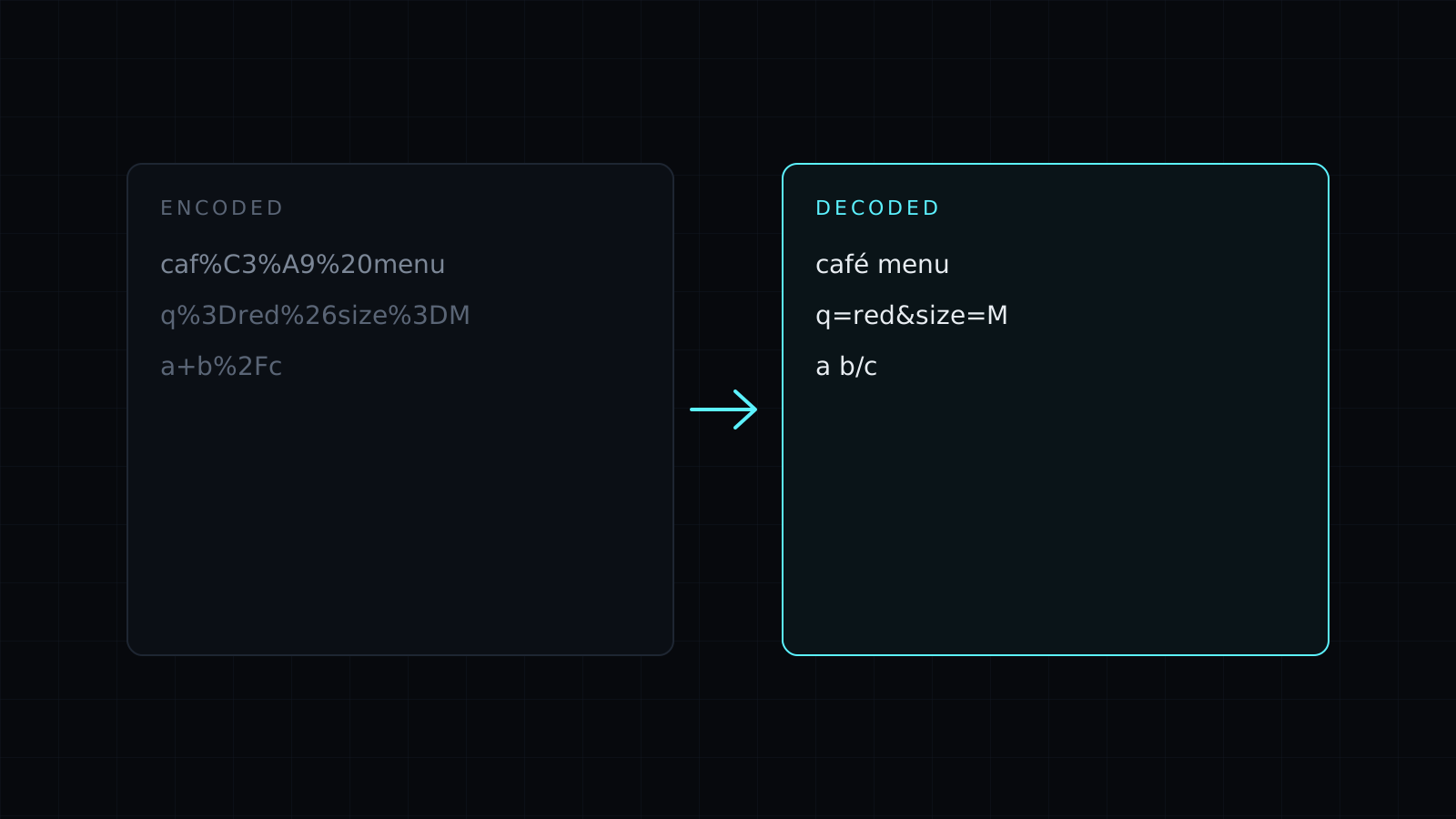
URL Decoder is a url decoder that turns percent-encoded links and query strings back into readable text right in your browser. Paste the encoded text and the decoded version appears as you type. Nothing is sent to a server, nothing is stored, and it spends no credits.
Links copied from emails, ad platforms, analytics reports and redirects are often full of %20, %3D and %2F. The address still works, but you can’t read where it goes or what its UTM tags say. Decoding puts the real characters back.
How do I decode a URL?
Paste the whole link, or just the part you care about, such as one query value. Every percent code becomes its character: %20 is a space, %26 is &, %3F is ?. Multi-byte codes are read as UTF-8, so %C3%A9 comes back as é and encoded emoji come back as emoji.
Why do plus signs turn into spaces?
HTML forms send spaces as + in query strings, so q=red+shoes means “red shoes”. The decoder follows that rule and turns every + into a space. If a value contains a real plus sign, it should have been sent as %2B, which decodes to +.
What does “a % not followed by two hex digits” mean?
Every percent code is a % and exactly two hexadecimal digits. A lone %, or one followed by something like %G1, can’t be decoded, so the tool says so instead of guessing. It usually means the link was cut short, or the text was never encoded and simply contains a percent sign, like 50% off.
When do I need to decode a URL twice?
When a link was encoded twice, often by a redirect or a tracking wrapper, you will see %2520 instead of %20. Decode once, copy the result back into the input, and decode again.
Building a link instead of reading one? The URL Encode page opens the same tool in encode mode. Got a Base64 string in a parameter? The Base64 Decode tool reads it.
FAQ
Is my URL sent to a server?
No. Decoding runs entirely in your browser. Your text never leaves your device and nothing is stored.
Does it decode a full URL or only a query string?
Both. Paste a complete link with its query string, or a single value.
What does it cost?
It comes with the Nexin library: Nexin Lite or Nexin Pro opens it, and it spends no credits.



