
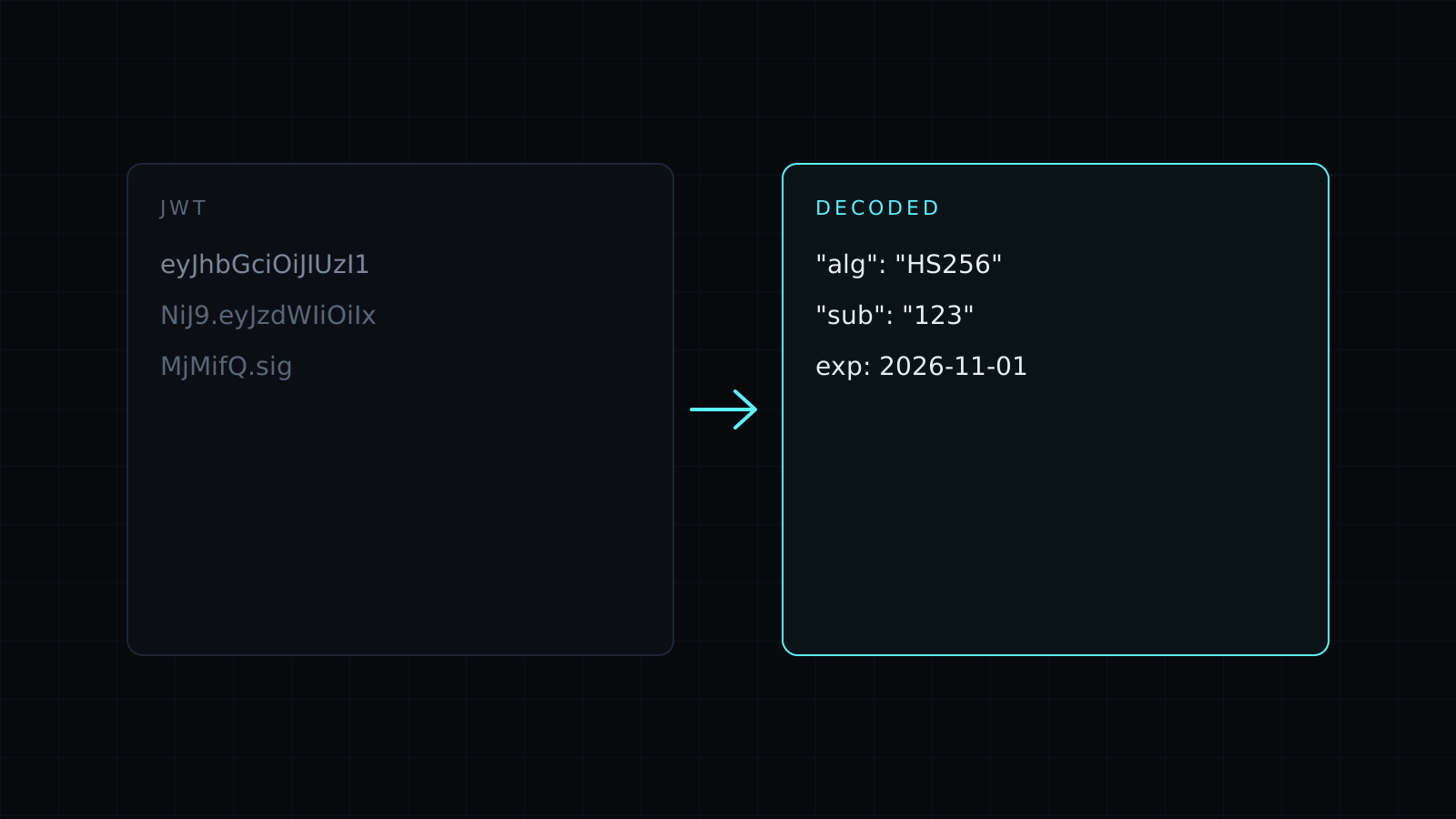
JWT Decoder is a jwt decoder that shows what is inside a JSON Web Token right in your browser. Paste the token and its header and payload appear as formatted JSON, with its times written as dates. The token is never sent to a server, nothing is stored, and it spends no credits.
What is inside a JWT?
A JWT is three Base64URL parts joined by dots: header.payload.signature. The header names the signing algorithm, such as HS256 or RS256. The payload holds the claims: who the token is about (sub), who issued it (iss), who it is for (aud), any roles or scopes, and its times. The signature proves the first two parts weren’t changed. The header and payload are only encoded, not encrypted, so anyone holding the token can read them.
How do I decode a JWT?
Paste the whole token, starting with eyJ. The result shows:
- The header and the payload as indented JSON.
- The times:
iat(issued at),nbf(not before) andexp(expires) converted from Unix seconds to dates in UTC. - A one-line verdict: the algorithm, and whether the token is expired, not expired or has no expiry.
If the token is malformed, the decoder names the part that failed: the wrong number of dots, a header that isn’t valid Base64URL, or a payload that isn’t JSON.
Does it verify the signature?
No, and that is on purpose. Checking a signature needs the secret (for HS256) or the public key (for RS256 and ES256), and this tool never asks for either. It decodes only. So a token that decodes cleanly here may still be forged or tampered with: never trust a JWT’s claims in your own code until your server has verified the signature with the right key.
Is it safe to paste a token here?
The decoding runs on your device and nothing leaves the browser. Still, a live token is a credential: whoever holds it can act as that user until it expires. Prefer expired or test tokens when you debug, and never paste production secrets or signing keys into any tool you don’t control.
Need a token’s raw parts? The Base64 Decode tool reads Base64URL too. Checking a timestamp from another claim? Use the Unix Timestamp Converter.
FAQ
Why does it say “signature not checked”?
Because verifying needs the secret or key. The decoder shows what the token says, not whether it is genuine.
What does it cost?
It comes with the Nexin library: Nexin Lite or Nexin Pro opens it, and it spends no credits.



