
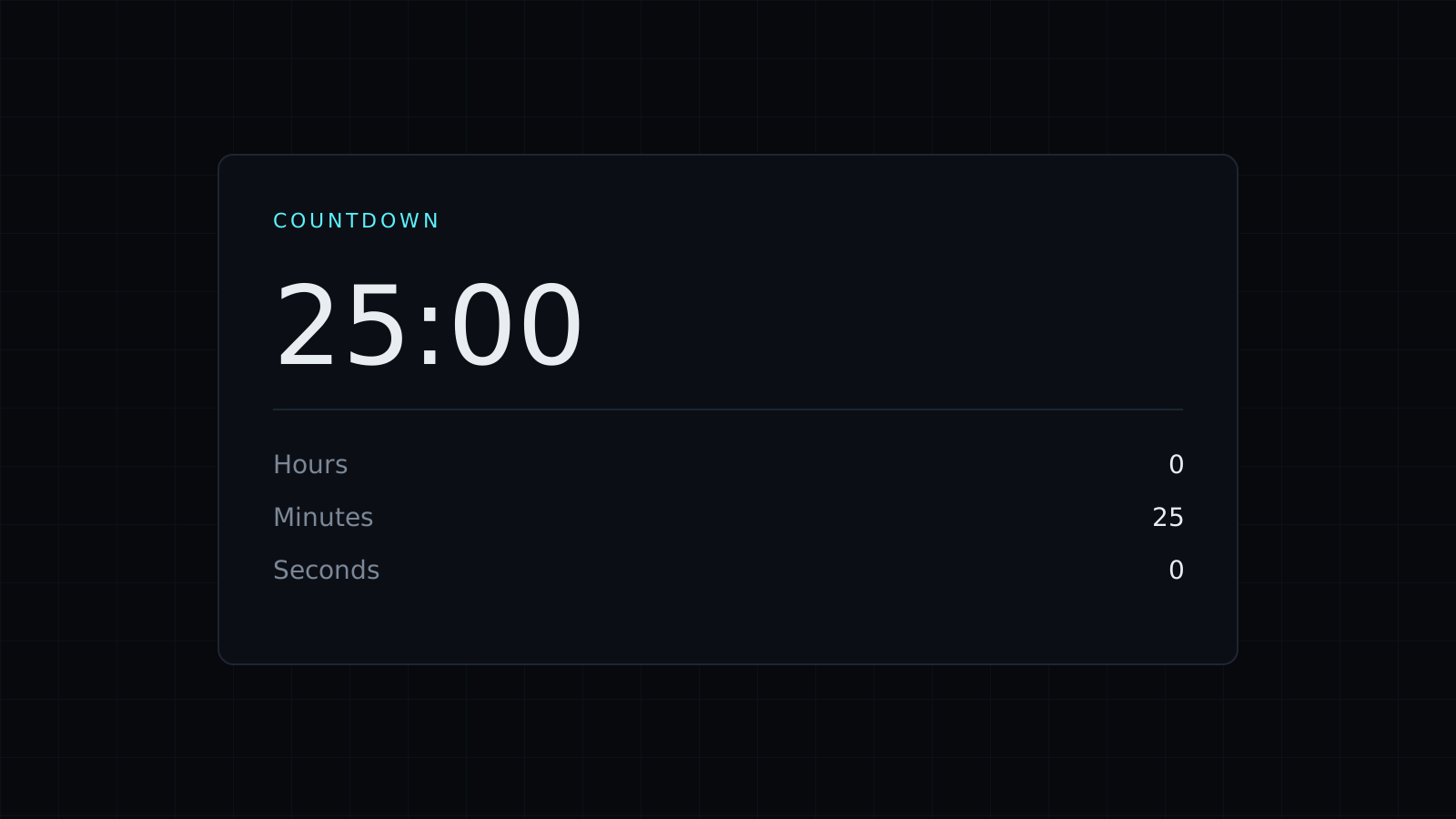
This countdown timer counts down from the time you set, in a browser tab, and beeps three times at zero. Set hours, minutes and seconds, or tap a quick button like 25 minutes, and the time left shows in the tab title while you work in another tab. Nothing is sent to a server, and it spends no credits.
How to count down to a deadline
Work out how long you have and set it. If an exam section, a timed test or a submission closes in 1 hour 30 minutes, enter 1 hour and 30 minutes and press Start. The tab title shows the time left, so you can keep writing in another window and still see the countdown. When it reaches zero, it beeps three times. Because the countdown timer reads the clock instead of counting ticks, the time left stays exact while its tab is in the background. Keep the tab open: closing it stops the countdown.
How to use a countdown timer for the Pomodoro technique
The Pomodoro technique splits work into 25-minute focus blocks with short breaks between them, and a longer break after four blocks. The quick buttons cover it:
- Tap 25 and work on one task until the beeps.
- Tap 5 for a short break.
- Repeat. After four focus blocks, tap 15 or 30 for a longer break.
Four 25-minute blocks with three 5-minute breaks between them take 115 minutes. Add a 15-minute long break and the cycle is 130 minutes, a little over two hours.
Other ways to count down
- Meetings and talks: set the slot, and let the tab title show how much is left.
- Timeboxing: give a task 30 minutes and stop when time is up.
- Practice sessions: 10 minutes of scales, 15 of reading, one block at a time.
- Kids’ routines: 5 minutes until shoes are on, 10 until screens go off.
Somewhere quiet? Turn the beeps off and watch the tab title instead.
Counting up instead
The same tool has a Stopwatch tab with laps and hundredths of a second: the Stopwatch page opens on it. For a plain kitchen or break timer, the Timer page is the same countdown.
FAQ
Does the countdown keep going if I switch tabs?
Yes. It stays exact in a background tab, as long as the tab stays open.
Can I pause a countdown?
Yes. Pause keeps the time left; press Start to continue.
What does it cost?
It comes with the Nexin library: Nexin Lite or Nexin Pro opens it, and it spends no credits.



