
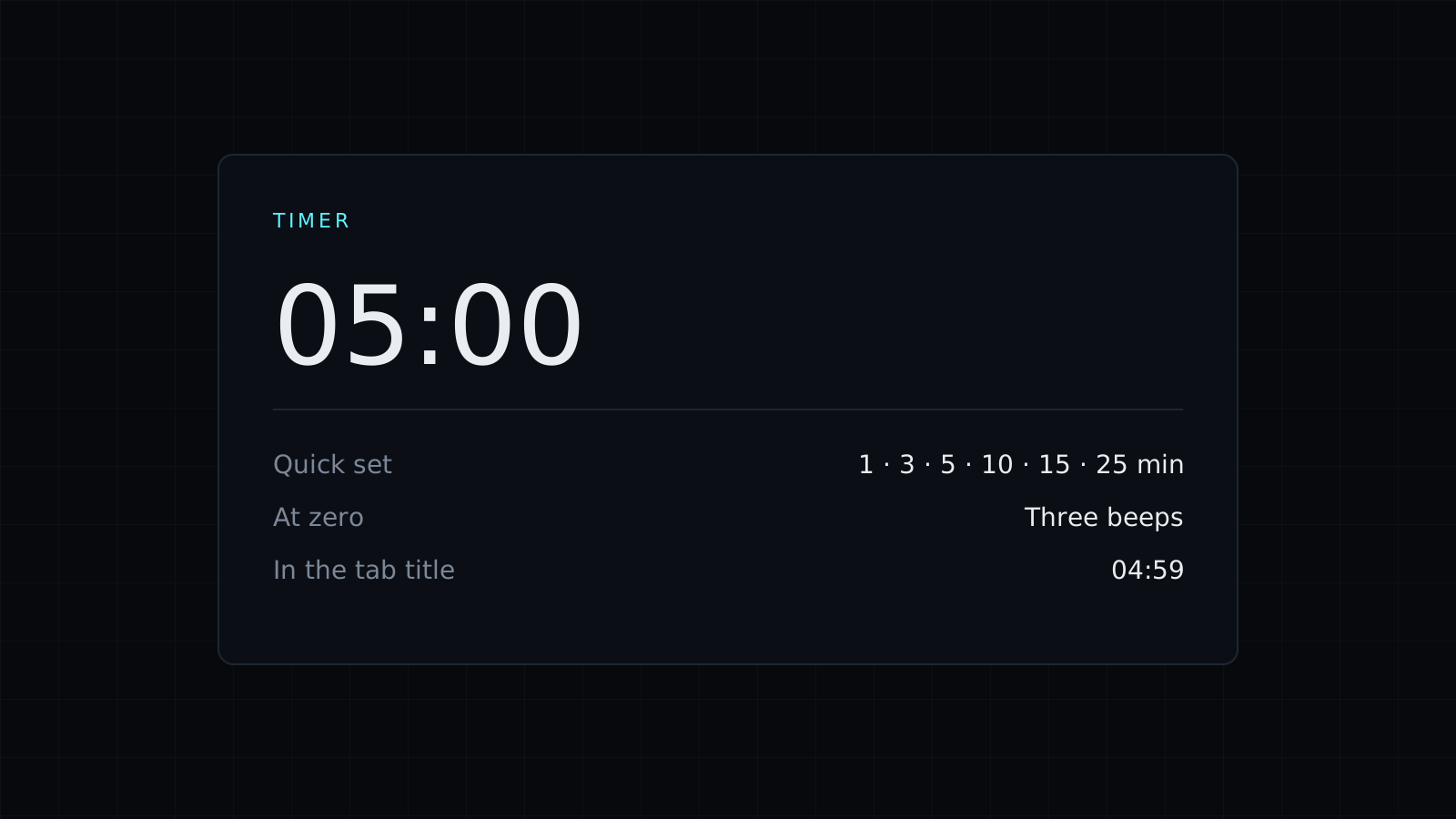
This timer is an online timer that runs in a browser tab. Set hours, minutes and seconds, or tap one of the quick buttons, press Start, and it beeps three times when the time is up. Nothing is sent to a server, and it spends no credits.
How to set a timer
Type the hours, minutes and seconds you need, or tap a quick button: 1, 3, 5, 10, 15, 25 or 30 minutes, or 1 hour. Press Start. Pause stops the count without losing your place, and Reset puts the timer back to the time you set.
Will the timer keep running in another tab?
Yes, as long as its tab stays open. Browsers slow down pages you aren’t looking at, and a timer that counts by adding up ticks drifts when that happens. This one works out the time left from the clock each time it updates, so it stays exact while it sits in a background tab. The time left also shows in the tab title, so a glance at your tab bar tells you how long remains. Close the tab and the timer stops.
What does it sound like at zero?
Three beeps. If you’re in a meeting or a library, turn the sound off and keep an eye on the tab title instead.
Everyday uses
- Cooking: 3 minutes for a soft-boiled egg, 10 for pasta, an hour for a roast.
- Breaks: a 5-minute stretch or a 15-minute coffee break.
- Screen time: 30 minutes of a game or a show, then stop.
- Presentations: keep a talk or a standup to its slot.
- Laundry, parking or anything you’d otherwise forget about.
Timing up instead of down
When you don’t know how long something will take and want to find out, use the Stopwatch tab: it counts up in hundredths of a second, with laps. The Stopwatch page opens it directly. For work sessions and deadlines, the Countdown Timer page covers counting down in focused blocks.
FAQ
Do I need to keep the tab open?
Yes. The timer runs in its tab, so it can sit in the background, but closing the tab stops it.
Can I run more than one timer?
Open the timer in another tab. Each tab keeps its own time.
What does it cost?
It comes with the Nexin library: Nexin Lite or Nexin Pro opens it, and it spends no credits.



