
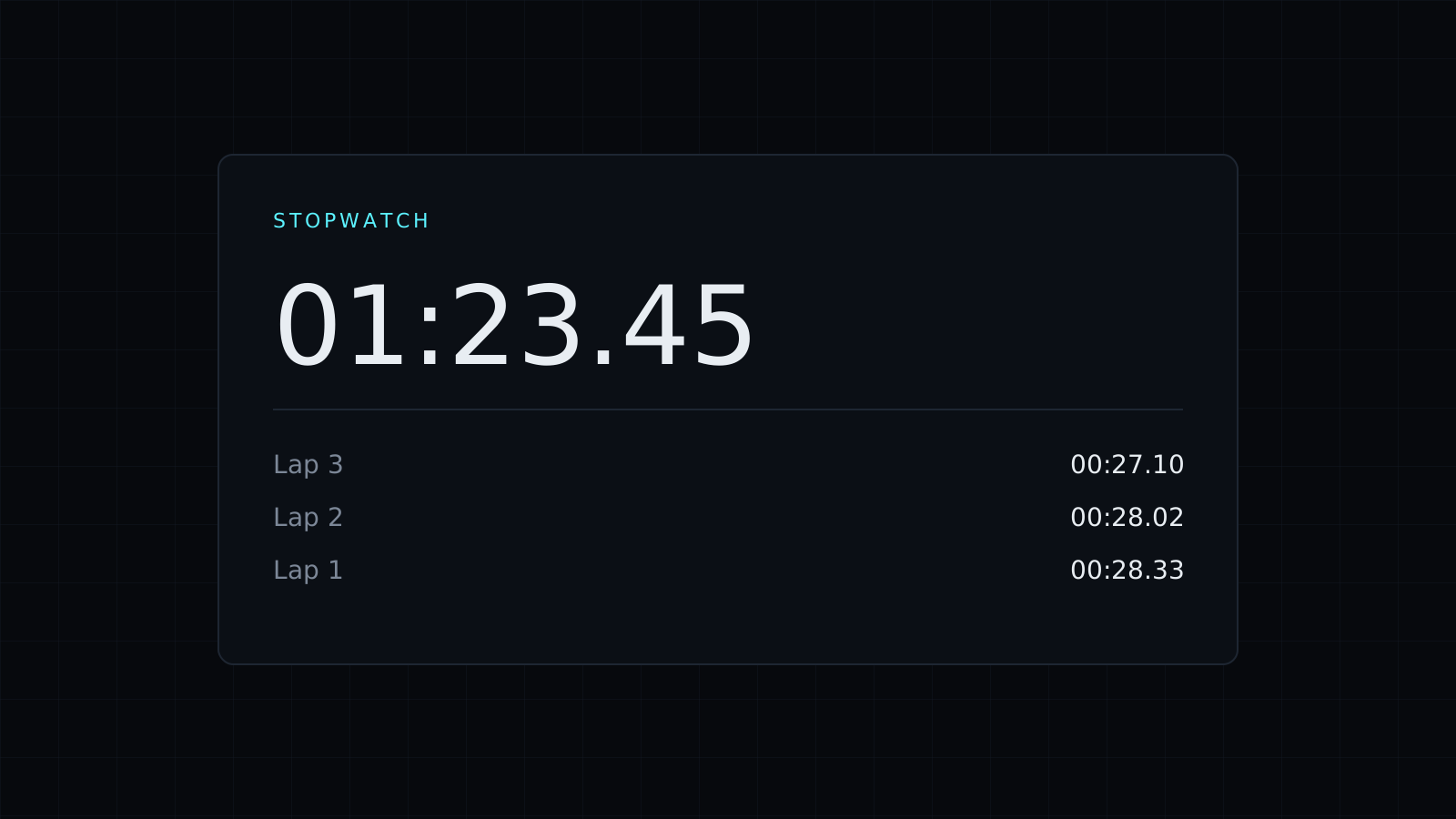
This stopwatch is an online stopwatch that times to the hundredth of a second in your browser. Press Start, press Lap at every split, and each lap shows both its own time and the running total. When you’re done, copy the laps in one click. Nothing is sent to a server, and it spends no credits.
How to use a stopwatch with laps
Press Start when the activity begins. Each time a lap, a rep or a section ends, press Lap: the stopwatch records how long that lap took and the total so far, and keeps running. Stop pauses the count, Start picks up where it stopped, and Reset clears everything.
Lap time and total time
Say a runner does four laps of a track. The laps come out as:
- Lap 1: 1:52.40, total 1:52.40.
- Lap 2: 1:49.85, total 3:42.25.
- Lap 3: 1:51.10, total 5:33.35.
- Lap 4: 1:48.65, total 7:22.00.
The lap column shows the pace from lap to lap, and here the last lap is the fastest; the total column shows the overall time. Seeing both means you don’t have to subtract splits by hand.
Copying your laps
Copy laps puts every lap time and total on your clipboard, ready to paste into a spreadsheet, a training log or a message to a coach. The stopwatch doesn’t keep a history once you reset, so copy what you want to keep first.
What people time with a stopwatch
- Running, swimming and cycling laps or intervals.
- Workouts: how long a set or a plank lasts.
- Speeches and readings: each section of a talk, as laps.
- Experiments in class: how long a reaction or a pendulum swing takes.
- Work tasks: how long a process takes, step by step.
Need to count down instead?
Switch to the Timer tab for a countdown with quick buttons and three beeps at zero. The Timer page opens on it, and the Countdown Timer page is about counting down to a deadline or a work block.
FAQ
How precise is the stopwatch?
It shows hundredths of a second. Your reaction time pressing the button usually matters more than that.
Can I save my laps?
Use Copy laps before you reset and paste them where you keep records. Nothing is stored on the page.
What does it cost?
It comes with the Nexin library: Nexin Lite or Nexin Pro opens it, and it spends no credits.



