
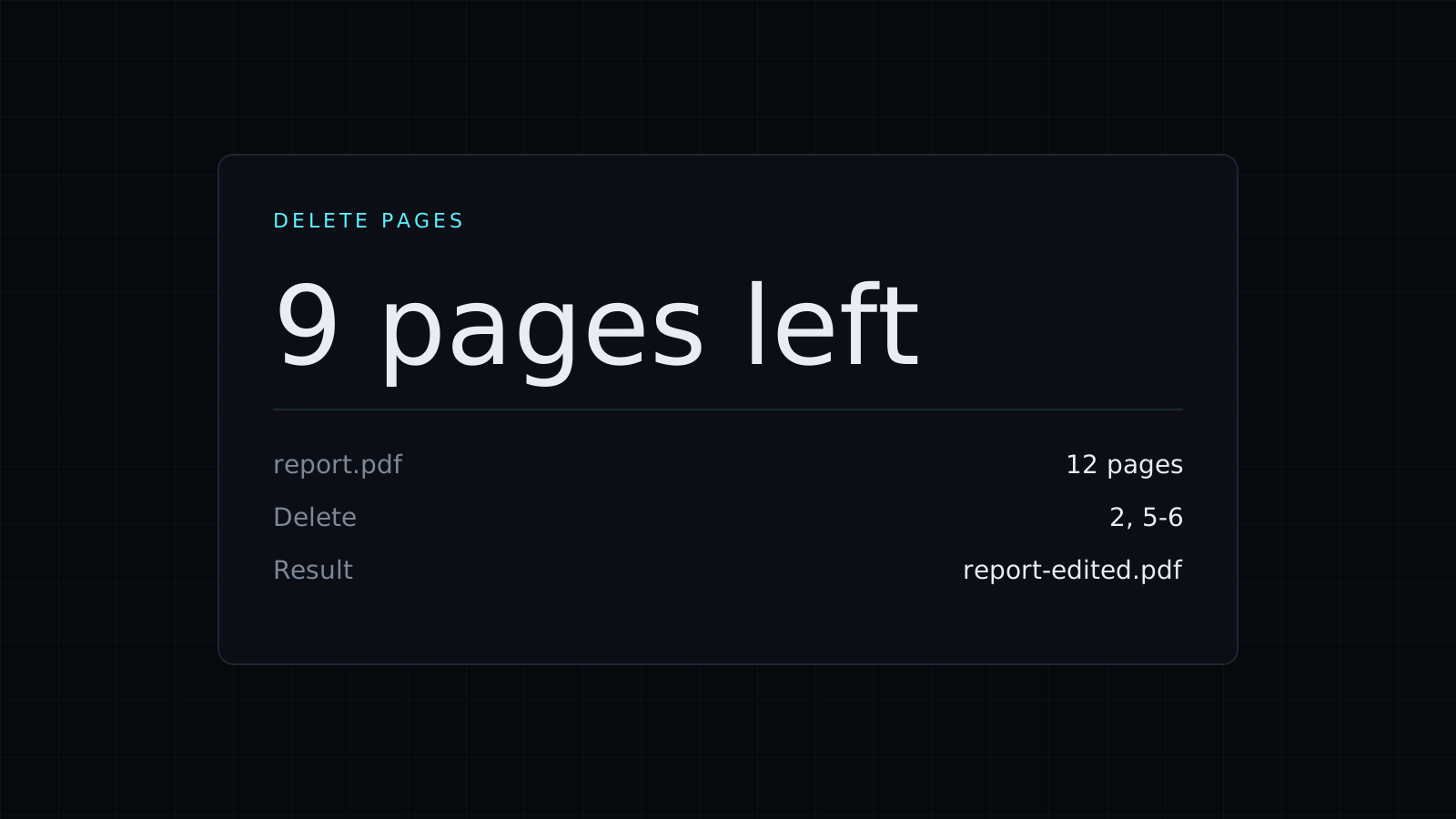
Delete Pages from PDF is the quick way to delete pages from pdf files in your browser: list the pages you don’t want and download a new PDF without them. The file stays on your device. Nothing is uploaded or stored, and it spends no credits.
How do I delete pages from a PDF?
- Drop the PDF, or pick it from your device.
- Type the pages to remove, separated by commas. Ranges work too:
2, 5-7deletes page 2 and pages 5, 6 and 7. - Before you download, the tool shows how many pages were removed and how many are left. In a 10-page file,
2, 5-7removes 4 pages and leaves 6. - Download the new PDF.
The remaining pages keep their original order, their text and their quality. Your original file isn’t touched, so you can always go back to it.
When do you need to remove pages from a PDF?
- Blank pages from a scan, often every other page when the scanner ran double-sided.
- A cover sheet or a fax header before forwarding a document.
- Pages with details you don’t want to share, such as other accounts in a bank statement you’re sending to a landlord.
- Ads, instructions or terms at the end of a downloaded report or ticket.
- A file too large to email, where dropping a few heavy image pages helps.
Can I delete every page?
No. A PDF needs at least one page, so the tool won’t remove them all. If you meant to keep only a few pages, it is easier the other way round: Split PDF with the listed pages option puts just those pages into a new file.
Is it safe to delete pages from a PDF online?
The PDF is never sent to a server. It is read and rewritten in your browser tab, on your device, and nothing is kept afterwards. That is what you want for contracts, IDs and statements. Note that deleting a page removes it from the new file; it doesn’t black out text on the pages you keep.
Other page tools: Rotate PDF fixes sideways pages, and JPG to PDF builds a PDF from images.
FAQ
Does deleting pages lower the quality?
No. The pages you keep are copied as they are.
Is my original file changed?
No. You download a new PDF, and the file you dropped stays as it was.
What does it cost?
It comes with the Nexin library: Nexin Lite or Nexin Pro opens it, and it spends no credits.



