
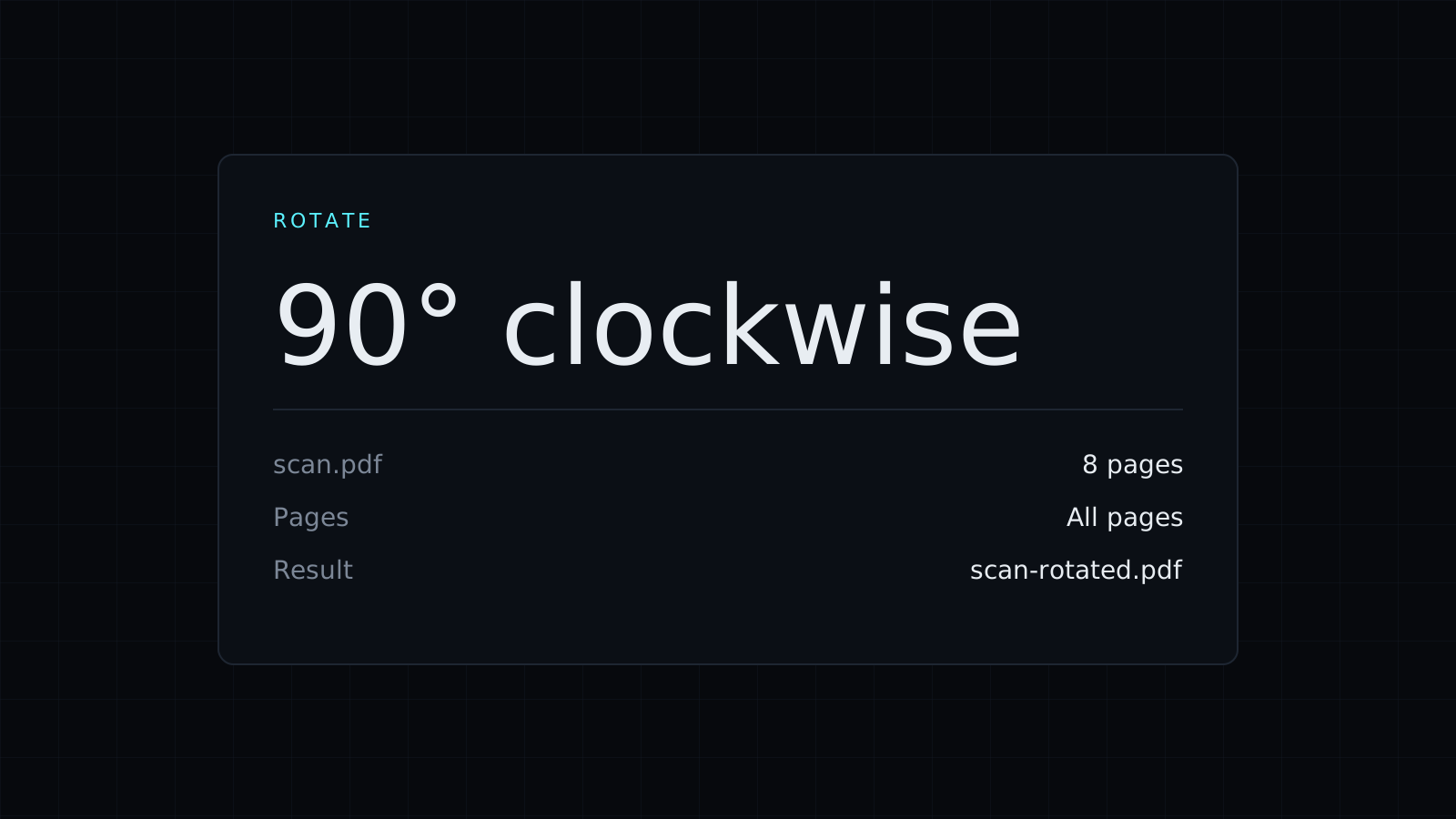
Rotate PDF lets you rotate pdf pages in your browser and save the result as a new file. Turn every page, or only the ones that came out sideways or upside down. The file stays on your device: nothing is uploaded or stored, and it spends no credits.
How do I rotate a PDF?
- Drop the PDF, or pick it from your device.
- Pick a turn: 90° clockwise, 180° or 90° counterclockwise.
- Leave the pages box blank to rotate every page, or list the pages, such as
3or2, 4-6. - Download the new PDF.
How do I rotate only one page of a PDF?
Type its number in the pages box. A scanned contract where page 3 came out sideways needs 3 and a 90° turn; a document where a few landscape tables sit between portrait pages needs those page numbers listed. Every other page stays exactly as it was. If different pages need different turns, rotate once, then drop the new file and rotate the next set.
Which way should I turn it?
- 90° clockwise when the top of the page currently points left.
- 90° counterclockwise when the top points right.
- 180° when the page is upside down, common with a sheet fed into the scanner the wrong way.
Does rotating a PDF change the quality?
No. To rotate pdf pages, the tool sets each page’s turn; it doesn’t redraw or recompress anything. Text stays selectable and searchable, images keep their resolution, and the file size barely changes. That is different from taking a screenshot or printing to PDF again, which can blur text.
Is it safe to rotate a PDF online?
The file never goes to a server. It is opened and saved in your browser tab, so scans of IDs, signed forms and statements stay private. Your original isn’t changed; you download a new copy.
More page tools: Split PDF cuts a file into smaller ones, Delete Pages from PDF removes the pages you don’t need, and PDF to JPG turns pages into images.
FAQ
Will the rotation stick when I open the file elsewhere?
Yes. The turn is saved in the new PDF, so it opens the right way up in any viewer.
What does it cost?
It comes with the Nexin library: Nexin Lite or Nexin Pro opens it, and it spends no credits.



