
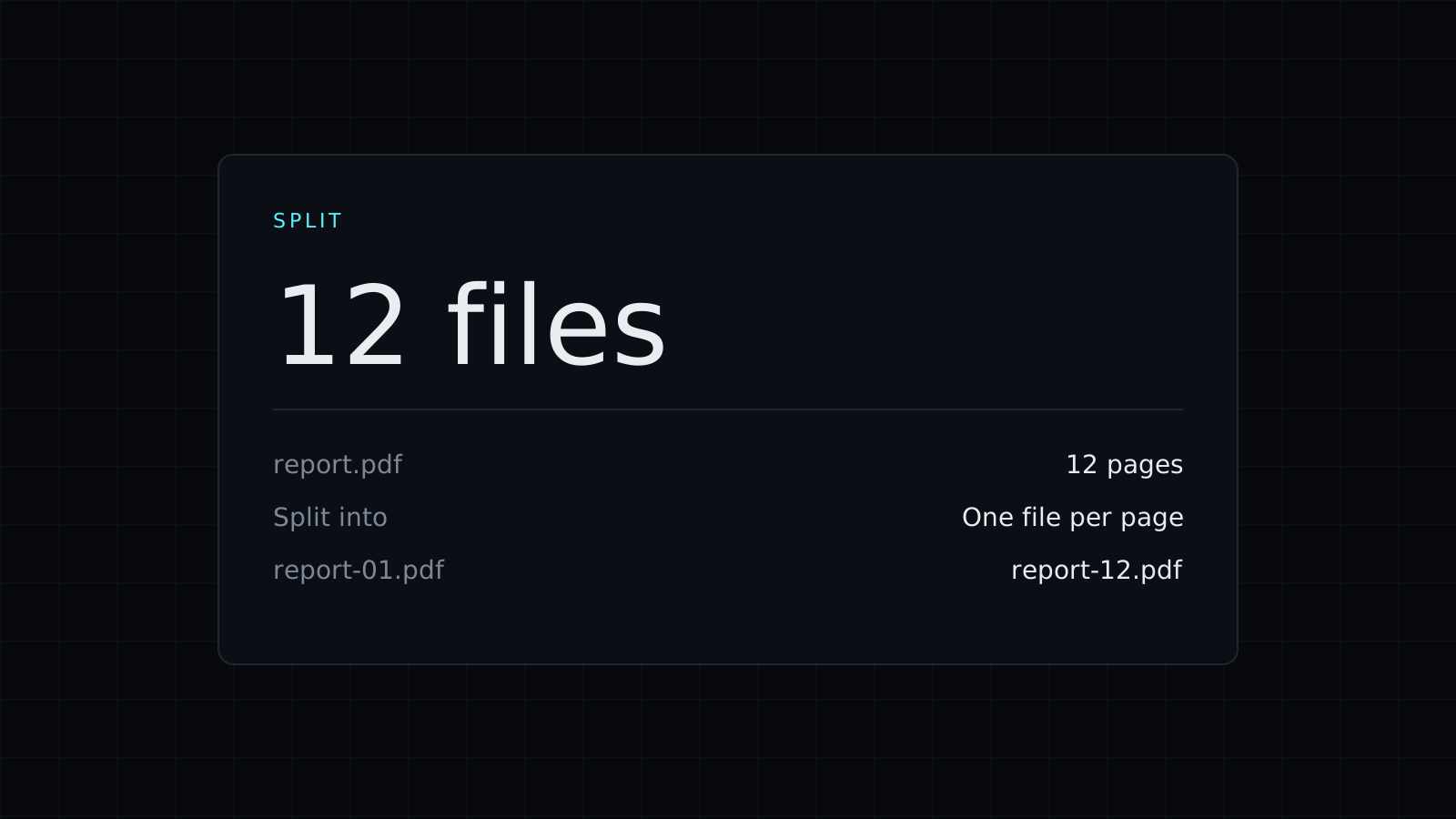
Split PDF lets you split pdf files into smaller ones right in your browser: one file per page, one file per range, or just the pages you pick in a single new file. The PDF stays on your device. Nothing is uploaded or stored, and it spends no credits.
How do I split a PDF into separate pages?
Drop the file. One file per page is already selected, so a 12-page PDF becomes 12 single-page PDFs. Download the ones you need or use Download all. This is the quickest way to separate a stack of scanned invoices or receipts that ended up in one file.
How do I split a PDF by page ranges?
Choose one file per range and type the ranges separated by commas. 1-3, 4-6, 7- gives three files: pages 1 to 3, pages 4 to 6, and page 7 to the end. A range with no end, like 7-, always runs to the last page, so you don’t need to know the page count. Use it to cut a long report into its chapters, a course pack into its lessons, or a scanned book into sections small enough to email.
How do I extract only some pages?
Choose the pages listed together in one file and type them, for example 1-3, 5, 8-. You get one new PDF with pages 1, 2, 3, 5 and everything from page 8 on, in that order. That is the way to send someone only the signed page and the annex of a contract, or the two pages of a statement they asked for.
Is it safe to split a PDF online?
Here the file never goes to a server. It is read and split in your browser tab, and the new files are made on your device, which matters for contracts, bank statements and medical records. The pages are copied as they are, so text stays selectable and quality doesn’t drop. A PDF locked with a password isn’t opened; remove the password first.
Related tools: Delete Pages from PDF removes pages instead of keeping them, Rotate PDF turns sideways pages upright, and PDF to JPG makes images of the pages.
FAQ
Is my original PDF changed?
No. Splitting makes new files, and the one you dropped stays as it was.
What does 8- mean?
From page 8 to the last page, however many pages the PDF has.
What does it cost?
It comes with the Nexin library: Nexin Lite or Nexin Pro opens it, and it spends no credits.



