
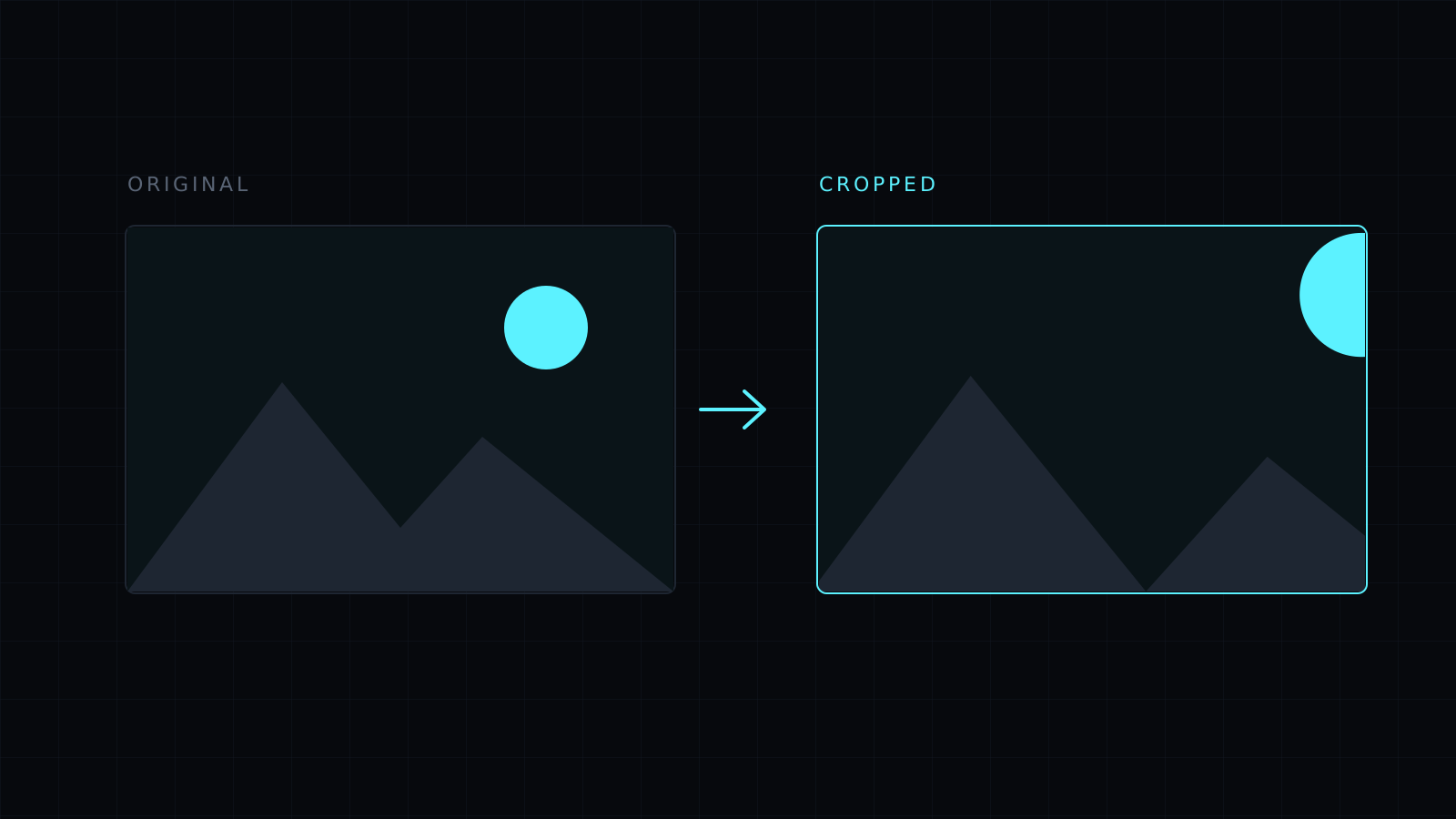
The Image Cropper is an image cropper that runs in your browser, built around one decision: which shape the picture should end up in. Choose a ratio, drag the selection over the part you want, and crop. The image never leaves your device, nothing is stored, and it spends no credits.
Which aspect ratio should I choose in an image cropper?
Choose it from where the image is going, not from the photo itself:
- Free: any rectangle, for removing an edge, a toolbar from a screenshot or a stranger at the side of the frame.
- 1:1: squares, for avatars, product tiles and album art.
- 4:5: tall portrait, common for feed posts.
- 9:16: full phone screen, for stories and wallpapers.
- 16:9: widescreen, for thumbnails, slides and headers.
- 4:3 and 3:2: the classic camera shapes, and the usual ones for prints.
With a ratio picked, the selection keeps that shape while you drag, so you only decide where it sits and how much it takes in.
How do I crop precisely?
Work at full size. The cropper edits at full resolution, up to 8000 px on the long side, so you are framing the real pixels and not a preview that gets scaled later. Drag, press Crop to selection, and look at the result. If a subject’s head is too close to the top edge, Undo and drag again; it keeps the last 12 steps. Crop once to the final shape rather than in several passes, since every crop removes pixels you can’t get back without Undo or Start over.
Does an image cropper resize the picture too?
No. Cropping removes the outside of the image and leaves the inside at its original pixels. A 4000 px photo cropped to a square stays sharp at a large size. If a site demands exact dimensions, crop to the matching ratio here, then set the width in the Image Resizer. For a lighter file, Compress Image adds a quality setting.
What happens to transparency?
PNG and WebP keep transparent areas. JPG has no transparency, so those areas become white.
FAQ
Is my image uploaded?
No. The cropper runs in your browser and the image stays on your device.
Which formats can I open?
JPG, PNG, WebP, HEIC and AVIF, one image at a time.
What does it cost?
It comes with the Nexin library: Nexin Lite or Nexin Pro opens it, and it spends no credits.



