This tutorial shows you how to install Claude Code on a Mac, on Windows or on Linux, sign in with your Claude account, and check that everything works before you hand it a real task. It takes about five minutes, and the recommended route needs no Node.js and no administrator rights.
What is Claude Code?
Claude Code is Claude working inside your terminal. Instead of pasting code into a chat, you open it in a project folder and it reads the files itself, proposes changes, edits them and runs commands such as your tests, asking your permission before each step. It is the same Claude you use on claude.ai, with your project in front of it.
How to install Claude Code on Mac, Windows and Linux
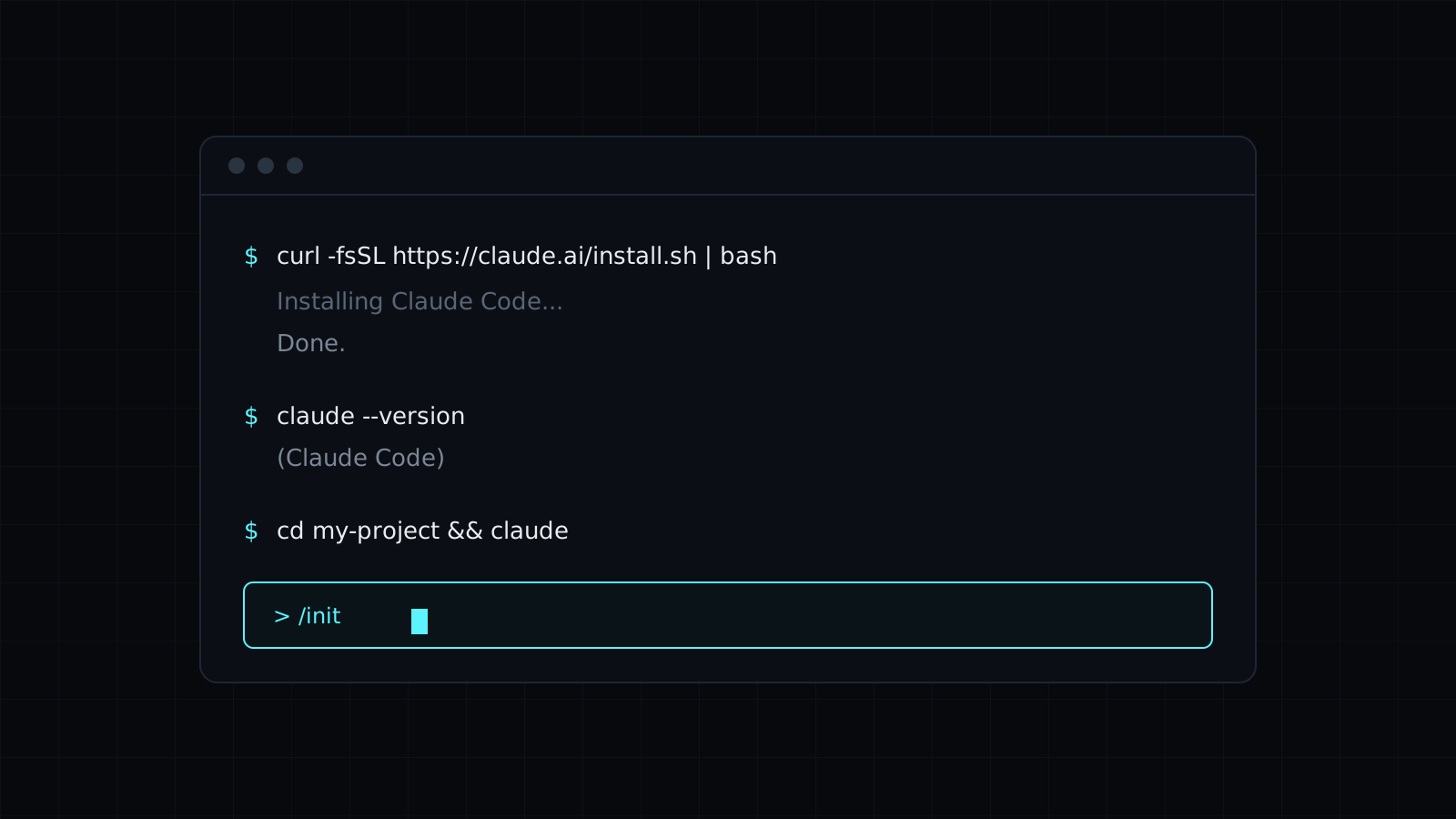
The tutorial gives the one-line install for each system: macOS, Linux and WSL share one, and Windows has one for PowerShell and one for CMD, with a tip on telling them apart from the prompt. It also covers the package manager routes (Homebrew and WinGet) and what they mean for updates, and why Git for Windows is worth installing on a Windows machine.
Signing in and the first task
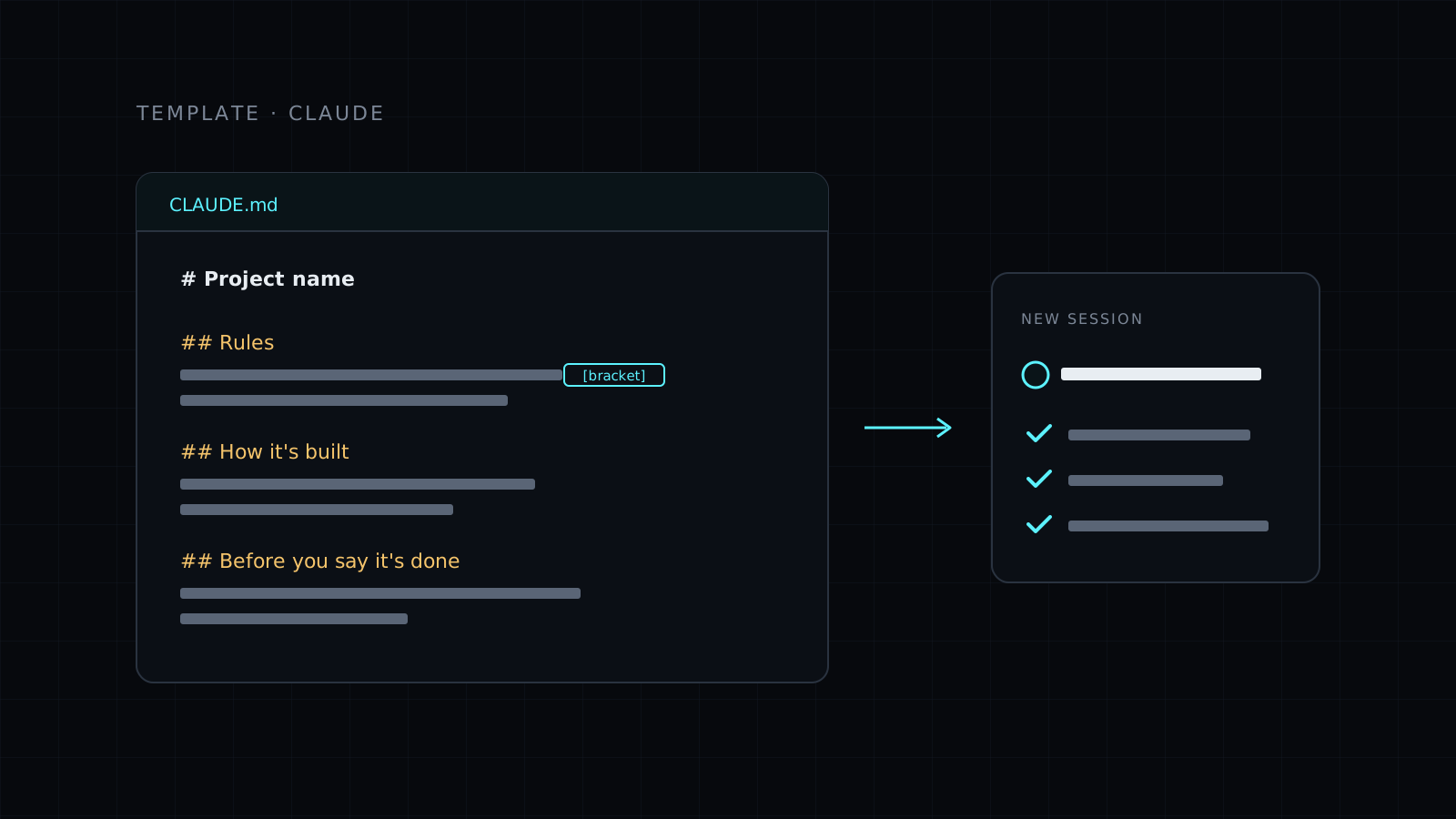
You’ll see which plans include Claude Code, how the browser sign-in works, and how to confirm the install with a version check and a health check. Then it walks you through a first useful session: generating a project file that tells Claude how your project works, and a small, real request that shows how permissions work.
When the install fails
The most common errors have their own fix in the tutorial: a command that isn’t found after installing, running the Windows line in the wrong shell, a plan that doesn’t include Claude Code, and old npm installs. It ends with how to update Claude Code and how to remove it cleanly.
Who it’s for
- Developers trying Claude Code for the first time.
- Anyone on a paid Claude plan who wants Claude to work directly on their files.
- Teams writing setup steps for new people.