
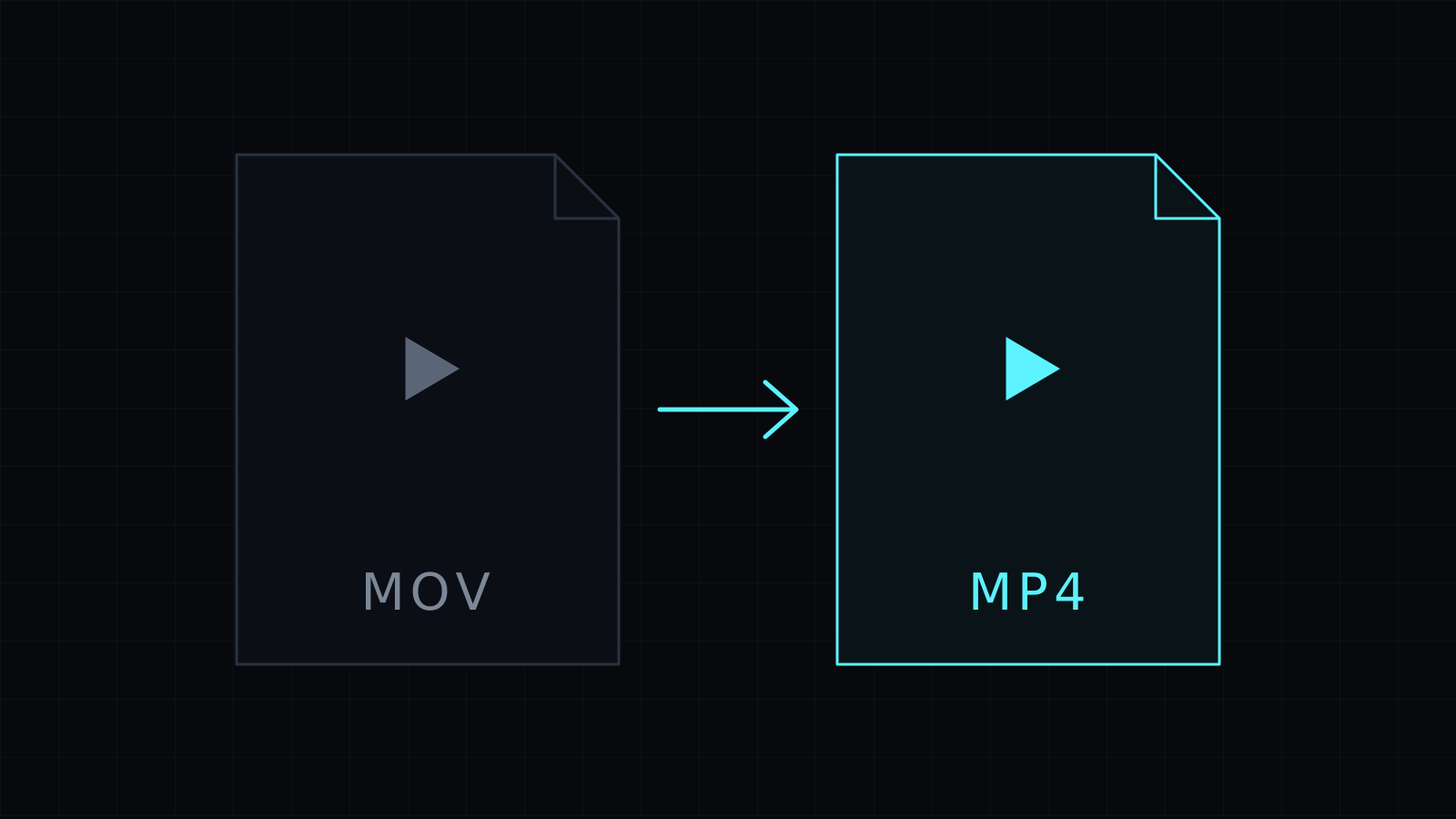
The MOV to MP4 Converter does one job: mov to mp4, right in your browser. Drop a video from your iPhone or a QuickTime export, and download an MP4 that opens almost anywhere. The file never leaves your device: nothing is uploaded, nothing is stored, and it spends no credits.
Why convert MOV to MP4?
MOV is Apple’s QuickTime container. iPhones and Macs save video in it, and on Apple devices it plays without a second thought. Elsewhere it can get stuck. An older Windows player may refuse it, a form may only accept .mp4, a client may ask for “a normal video file”, or an editor on another computer may not import it cleanly.
MP4 is the format most phones, Windows apps, video editors and social platforms expect. Turning MOV into MP4 is usually all it takes to make a clip open where you need it.
Does converting MOV to MP4 lose quality?
Often it doesn’t. A MOV and an MP4 are both containers, and many MOV files hold H.264 video and AAC audio, which MP4 takes as they are. In that case the converter copies the streams into the new file without re-encoding: it is fast and the picture stays exactly the same.
When the video inside uses a codec MP4 can’t hold, the converter re-encodes it at a balanced quality. That takes longer and, like any re-encode, it is lossy. Some iPhone videos use HEVC; whether those can be read depends on your browser.
How do I convert MOV to MP4 on a computer or phone?
- Open the converter and drop the MOV file, or pick it from your device.
- MP4 is already selected, so just start the conversion.
- Watch the progress bar, then download the MP4.
A Stop button cancels the job if you picked the wrong file. It needs a recent Chrome, Edge or Firefox, or Safari 17 and later. The new file is kept in memory until you download it, so very long videos depend on your device’s memory.
Need a smaller file as well? Compress Video makes a lighter MP4. For other formats, the Video Converter covers WebM, MOV, MKV and M4A.
FAQ
Is my iPhone video uploaded anywhere?
No. The mov to mp4 conversion runs entirely in your browser, so the video stays on your device and nothing is stored.
Can I convert several MOV files at once?
It converts one video at a time. Download the MP4, then drop the next file.
What does it cost?
It comes with the Nexin library: Nexin Lite or Nexin Pro opens it, and it spends no credits.



