
Color Palette Generator is a color palette generator that builds a scheme from one color you choose, right in your browser. Pick a starting color, choose the kind of palette, and copy the HEX codes. Nothing is uploaded or stored, and it spends no credits.
How do I generate a color palette from one color?
Set the starting color in the Pick a color tab, by eye or by typing a HEX, RGB or HSL code, or take one from a photo in the From an image tab. Then open Palette and pick the kind of palette. Click any swatch to copy its HEX, or press Copy palette to copy every code at once, separated by commas, ready for a brand guide or a design file.
Which kind of color palette should I choose?
Each one turns your color around the color wheel in a different way. Starting from the orange #FF6B35:
- Shades: the same hue from very light to very dark, for backgrounds, borders and hover states. Here from
#FFDACCdown to#4C1400. - Complementary: the opposite side of the wheel, plus lighter, darker and muted variations. The opposite of this orange is the sky blue
#33C9FF. - Analogous: neighbors 20 and 40 degrees either side, calm and natural together.
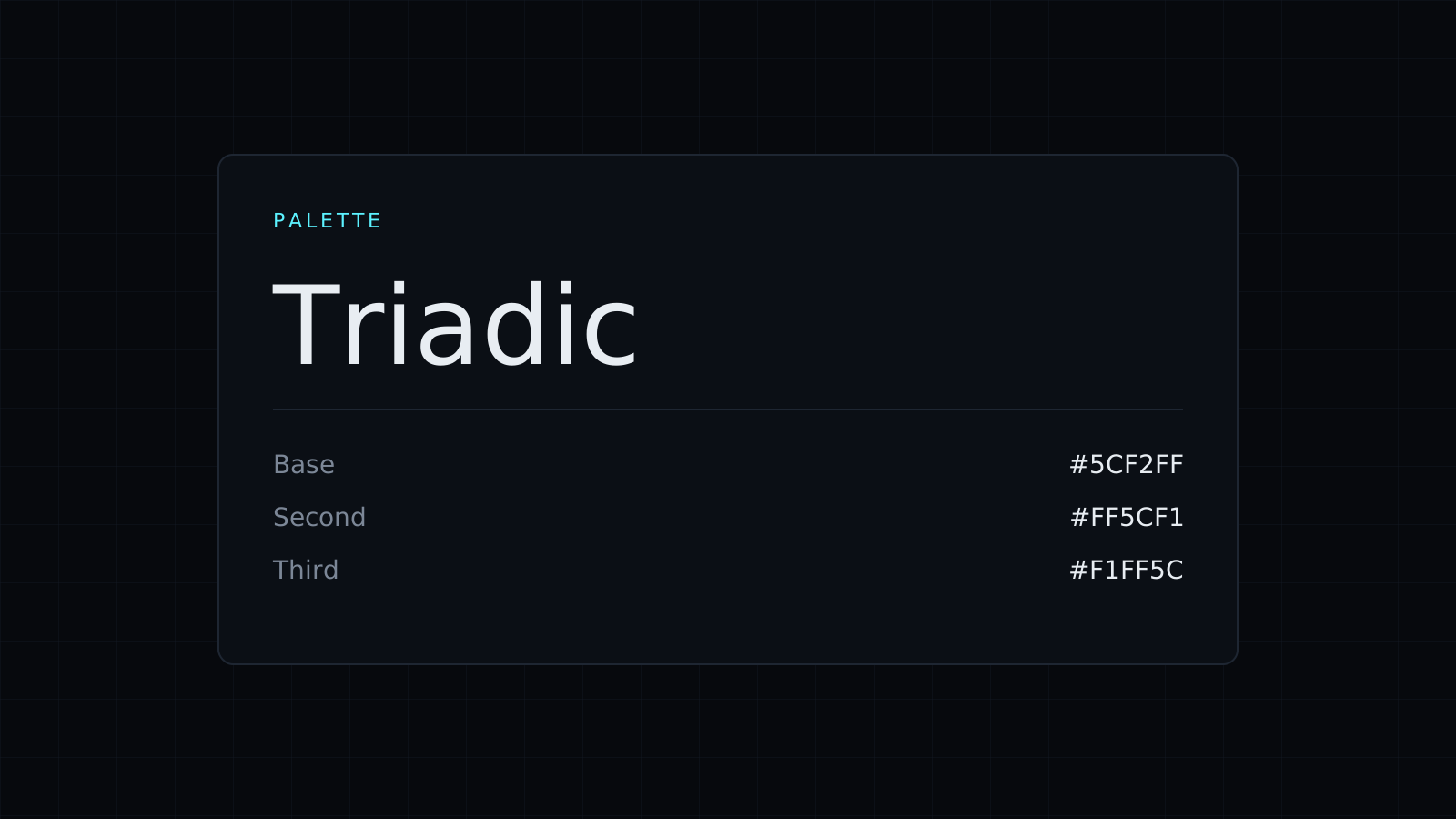
- Triadic: three colors evenly spaced, here the orange with
#33FF69and#6933FF. Lively; let one lead and use the others as accents. - Tetradic: four colors 90 degrees apart, for rich schemes that need care to balance.
- Monochrome: the same hue at less and less saturation, from muted greys to the full color.
How do I use a palette on a website or brand?
A common split is one main color, one or two supporting colors, and neutrals for text and backgrounds. Use the main color for buttons and links, a complementary or triadic color for highlights, and shades for surfaces. Before you commit, check text colors in the Pick a color tab: it shows each color’s contrast with white and black, and WCAG asks for 4.5:1 for body text. A color palette generator gives you colors that relate; readability you still check one pair at a time.
Need the colors of an existing image first? The Image Color Picker finds its 6 main colors. For codes and conversions, see the Color Picker and the HEX Color Picker.
FAQ
Can I start the palette from a brand color?
Yes. Type its HEX code in the Pick a color tab, then open Palette.
What does Copy palette copy?
The HEX codes of every swatch in the palette, separated by commas.
What does it cost?
It comes with the Nexin library: Nexin Lite or Nexin Pro opens it, and it spends no credits.



