
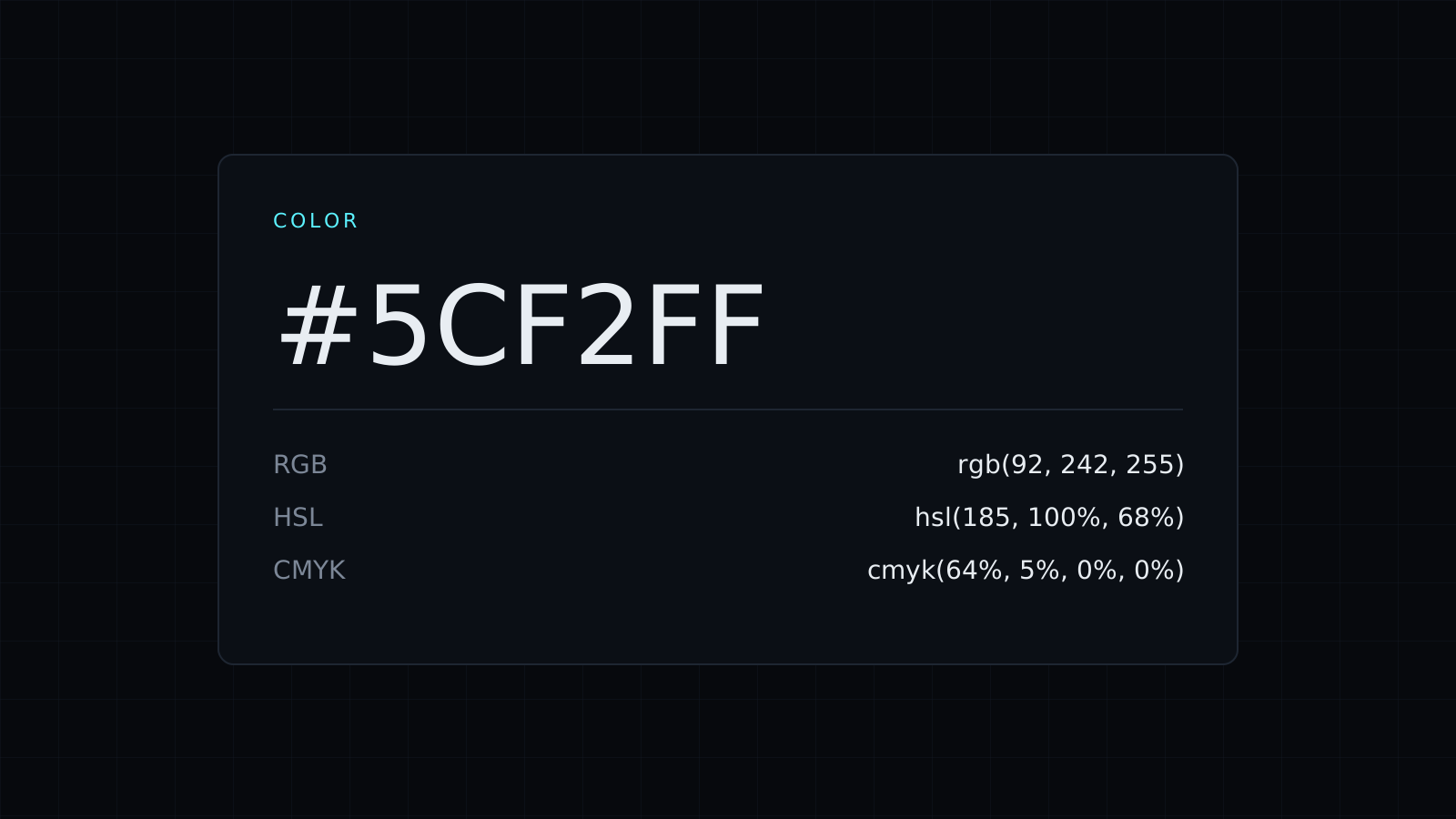
Color Picker is a color picker that runs in your browser: choose a color by eye or type a code, and get its HEX, RGB, HSL and CMYK values, its contrast with white and black, and a row of lighter and darker shades. Nothing is uploaded or stored, and it spends no credits.
How do I pick a color and get its code?
Click the swatch to open your system’s color picker and drag until the color looks right, or type a value you already have in the box. It takes HEX, RGB and HSL. Every format updates together. For example, a medium blue:
- HEX
#3B82F6 - RGB
rgb(59, 130, 246) - HSL
hsl(217, 91%, 60%) - CMYK 76, 47, 0, 4
Click any value to copy it, ready for CSS, Figma, Canva or a brand guide.
Is my text color readable on this background?
The color picker shows the contrast ratio of your color with white and with black. The WCAG accessibility guidelines ask for at least 4.5:1 for body text. The blue above reaches 3.68:1 on white, too low for small text, but 5.71:1 against black. A darker blue, #2563EB, reaches 5.17:1 on white and passes. Use this before choosing a button color, a link color or text over a colored band.
How do I get a lighter or darker version of a color?
Look at the shades row under the values. It steps the color lighter and darker while keeping its hue, so you get hover states, borders and tinted backgrounds that belong to the same family. Click a shade to copy it, or click it into place as the current color and keep going.
Which color format should I use?
- HEX for CSS and most design tools.
- RGB when you need to add transparency in CSS, as
rgb(59 130 246 / 50%). - HSL when you want to adjust lightness or saturation by hand.
- CMYK as a starting point for print. Ask your printer for their exact profile, since screen and ink colors never match perfectly.
The same tool has two more tabs. From an image picks colors from a photo or a screenshot, covered on the Image Color Picker page, and Palette builds a scheme from your color, covered on the Color Palette Generator page. Working mostly with codes? See the HEX Color Picker.
FAQ
Can I pick a color from my screen?
Yes, in Chrome and Edge: the From an image tab has a Pick from the screen button.
What does it cost?
It comes with the Nexin library: Nexin Lite or Nexin Pro opens it, and it spends no credits.



