
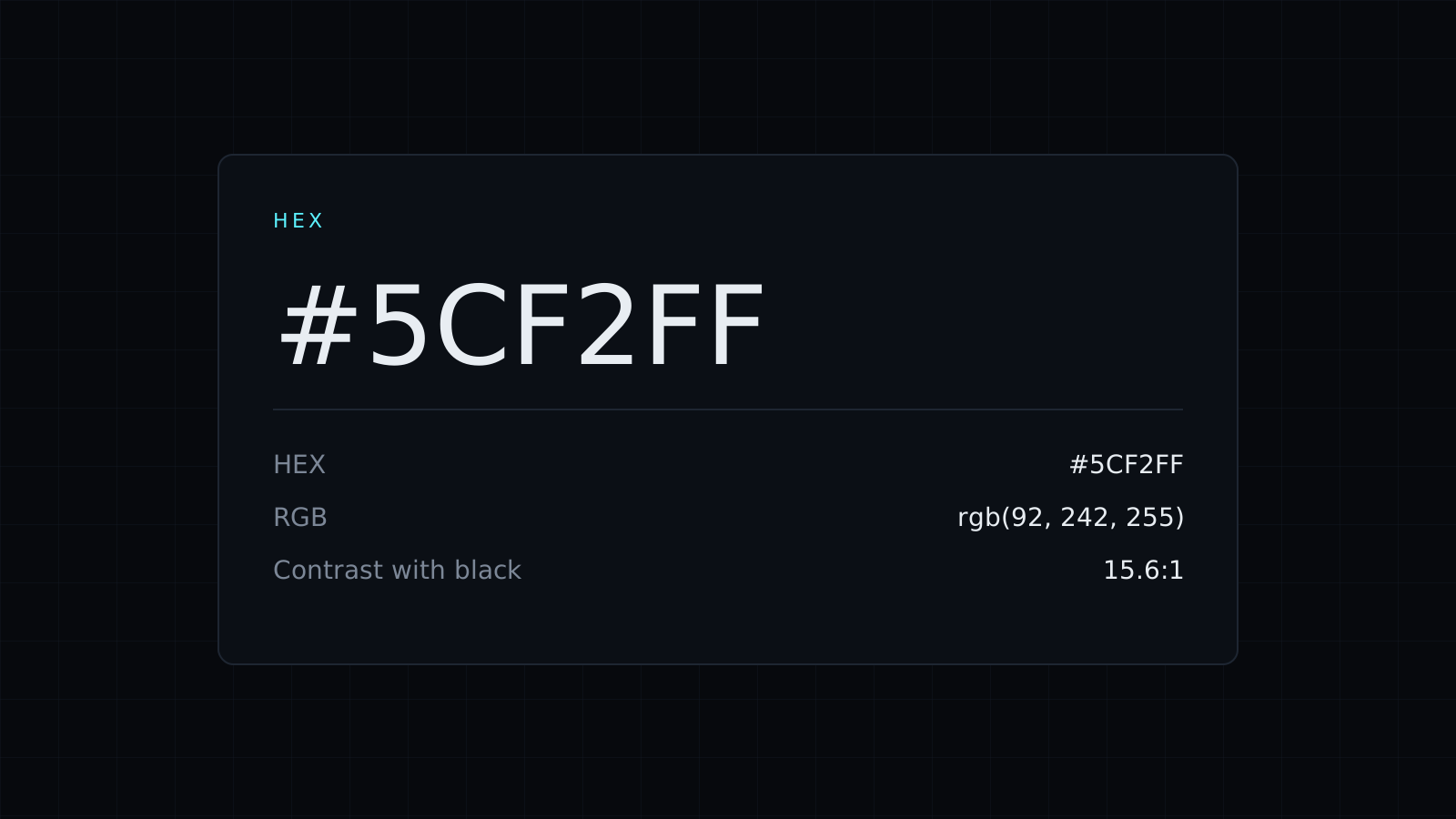
HEX Color Picker is a hex color picker for the web: choose a color by eye and copy its HEX code, or paste a code and see what it is in RGB, HSL and CMYK, how readable it is, and its lighter and darker shades. It runs in your browser, nothing is uploaded or stored, and it spends no credits.
How do I find the HEX code of a color?
Click the swatch to open your system’s color picker, drag to the color you want, and the HEX code appears with the other formats. Click it to copy. Prefer to start from numbers? The box also accepts RGB and HSL, so rgb(255, 107, 53) gives you #FF6B35 straight away.
How do I convert HEX to RGB?
Paste the HEX code. A HEX code is three pairs of hexadecimal digits for red, green and blue, each from 00 to FF (0 to 255). For #FF6B35:
FFis 255 red,6Bis 107 green,35is 53 blue, so RGB isrgb(255, 107, 53)- HSL is
hsl(16, 100%, 60%) - CMYK is 0, 58, 79, 0
The hex color picker does this for any code, and copying the result takes one click.
Can I use this HEX color for text?
Check the contrast ratios. That orange reaches 2.84:1 on white and 7.41:1 on black. WCAG asks for 4.5:1 for body text, so it works for dark text on an orange button, or orange text on a dark background, but not as small orange text on white. The tool shows both numbers for every color you pick, so you can decide before it ships.
Where do HEX color codes go?
- CSS:
color: #FF6B35;orbackground: #FF6B35;. - Design tools like Figma, Canva and Adobe apps, which all take HEX.
- Brand guides, so every page and every person uses the same exact color.
- Theme settings in website builders, email tools and slide templates.
Need a hover color? Take one of the darker shades below the values; each has its own HEX code to copy.
The same tool can also pick colors from an image (see the Image Color Picker) and build schemes from your color (see the Color Palette Generator). The Color Picker page covers all the formats in more detail.
FAQ
Does it accept 3-digit HEX codes?
Yes. Short codes are expanded, so #F63 reads as #FF6633. The # is optional too.
What does it cost?
It comes with the Nexin library: Nexin Lite or Nexin Pro opens it, and it spends no credits.



