
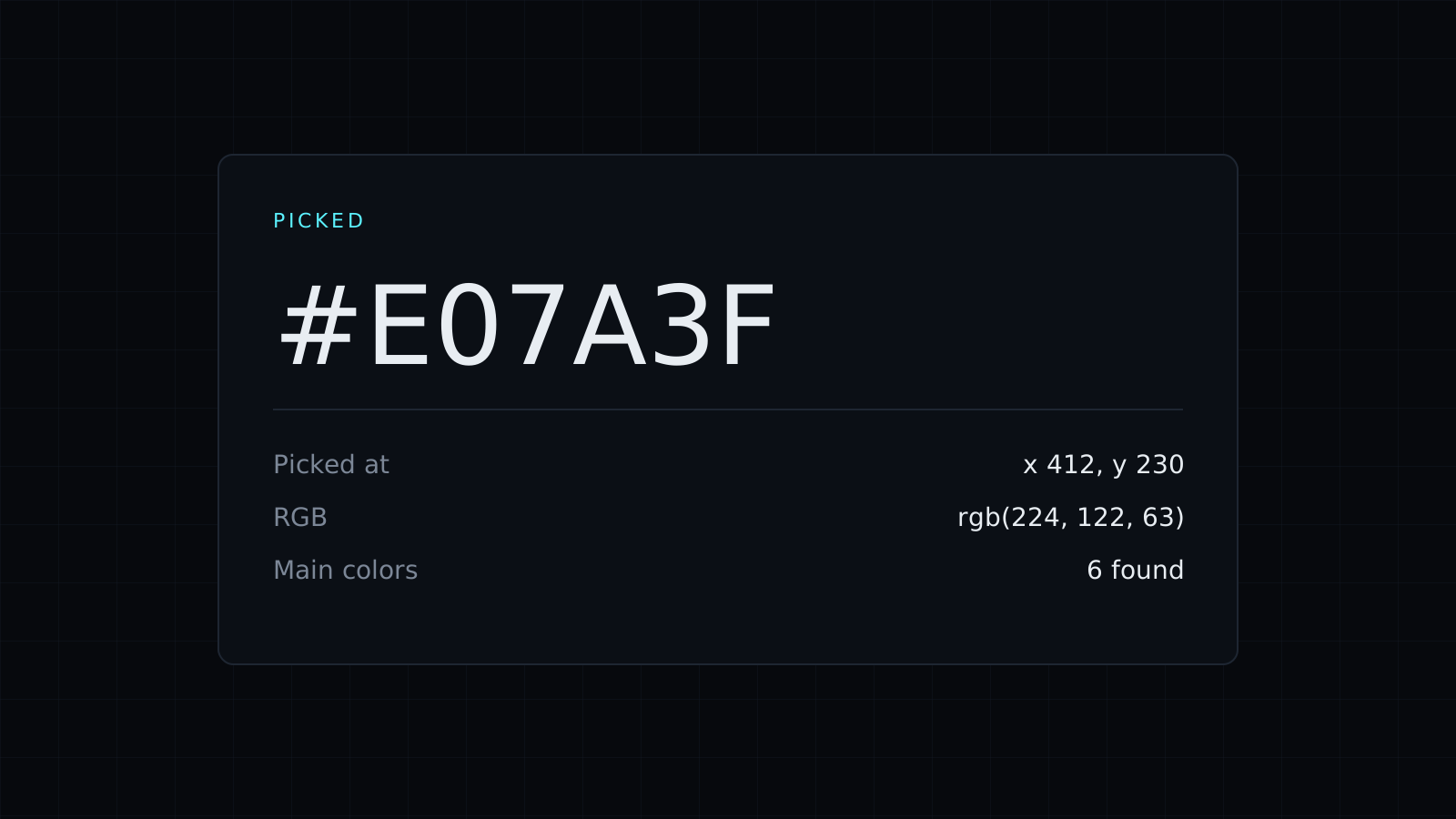
Image Color Picker is an image color picker that finds the exact colors in a photo, a screenshot or a logo, right in your browser. Drop the image, click any spot, and you get that pixel’s HEX, RGB, HSL and CMYK. The image never leaves your device, nothing is stored, and it spends no credits.
How do I get a color from an image?
- Drop the image, or choose it from your device. PNG, JPG and the other formats your browser opens work.
- Click the spot you want. The picker reads that one pixel and shows its values.
- Click the HEX code, or any other value, to copy it.
What are the main colors of an image?
Next to the picture, the image color picker shows its 6 main colors, biggest first. It groups the pixels into the color families that cover most of the image and averages each family, so a beach photo might give sand, two blues for sea and sky, foam white, and the darker tones of the shadows. Main colors are averages, not single pixels: for an exact brand color in a logo, click it directly.
How do I pick a color from my screen?
In Chrome and Edge, press Pick from the screen. Your cursor becomes an eyedropper that can sample any pixel on your display, in any window, such as a website, a video frame or a PDF. Other browsers don’t offer this yet; there, take a screenshot and drop it in instead.
What can I do with colors from an image?
- Match a brand when all you have is a logo file or a screenshot of the client’s site.
- Build a mood board or a slide theme from a photo you love.
- Pick text and button colors for a page around its hero image.
Once you have a color, the Pick a color tab shows its contrast with white and black and its lighter and darker shades, and the Palette tab builds a full scheme from it. More on those on the Color Picker and Color Palette Generator pages, and the HEX Color Picker covers HEX codes.
FAQ
Is my image uploaded?
No. The image is read in your browser tab, on your device, and nothing is kept after you close it.
Why doesn’t my clicked color match the main colors?
Main colors average whole areas of the image, while a click reads a single pixel.
What does it cost?
It comes with the Nexin library: Nexin Lite or Nexin Pro opens it, and it spends no credits.



