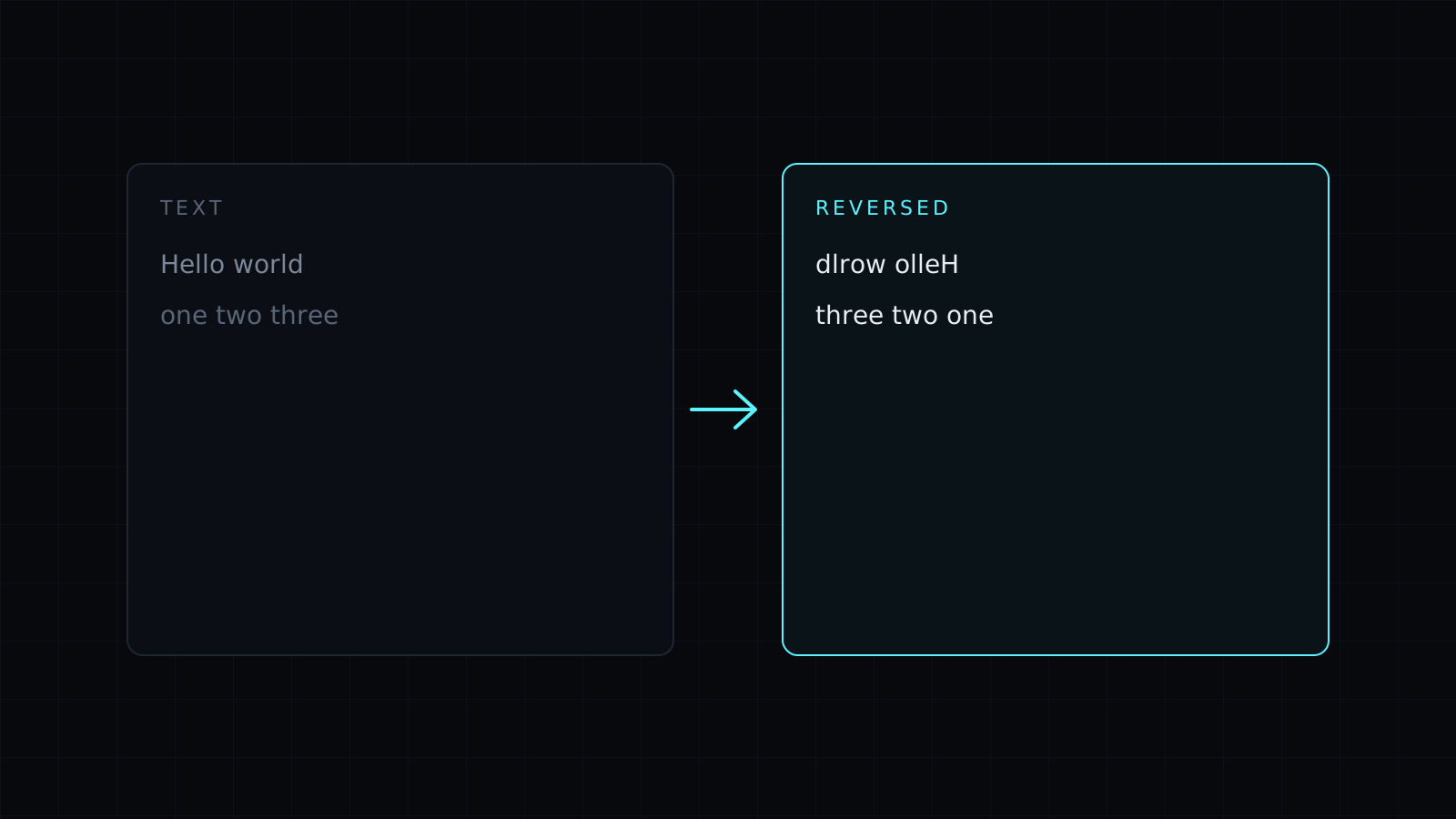
Reverse Text is a reverse text tool that flips what you type backwards, by letters, by words or by lines, right in your browser. Nothing is sent to a server, nothing is stored, and it spends no credits.
How do I reverse text?
Paste your text and pick one of three ways to flip it:
- Letters: every character in reverse order.
hello worldbecomesdlrow olleh, andNexinbecomesnixeN. - Words: the words swap order but each word reads normally.
one two threebecomesthree two one. - Lines: the order of lines flips, so a list sorted A to Z comes out Z to A, and the newest entry of a log moves to the bottom.
Does reversing text break emoji and accents?
Not here. Many simple tools reverse text one code unit at a time, which splits emoji and letters built from more than one part into broken symbols. This one keeps each visible character whole, so café becomes éfac and an emoji, a flag or a skin-toned hand stays the same emoji at its new position.
What can I use reversed text for?
- Puzzles, riddles and games, where the answer is written backwards.
- Checking palindromes: reverse the letters of
racecarand compare. - Playful captions and usernames on social media.
- Flipping a list: reverse the lines of a ranking, a timeline or a numbered list without retyping it.
- Reordering a sentence: reverse the word order to test how a line reads the other way round.
Keep in mind that reverse text is not a way to hide anything: anyone can flip it back in a second. It is also not mirror writing. The letters change order, they don’t turn into mirrored glyphs.
Need other quick text fixes? The Case Converter changes capitals in one click.
FAQ
How do I reverse just the order of lines?
Pick lines. Each line stays as it is, and only their order flips.
Will the result look the same everywhere I paste it?
Yes. It is ordinary text in a different order, so it pastes into any app, post or document.
What does it cost?
It comes with the Nexin library: Nexin Lite or Nexin Pro opens it, and it spends no credits.